Four Seasons Illustration
Cool Grain Study
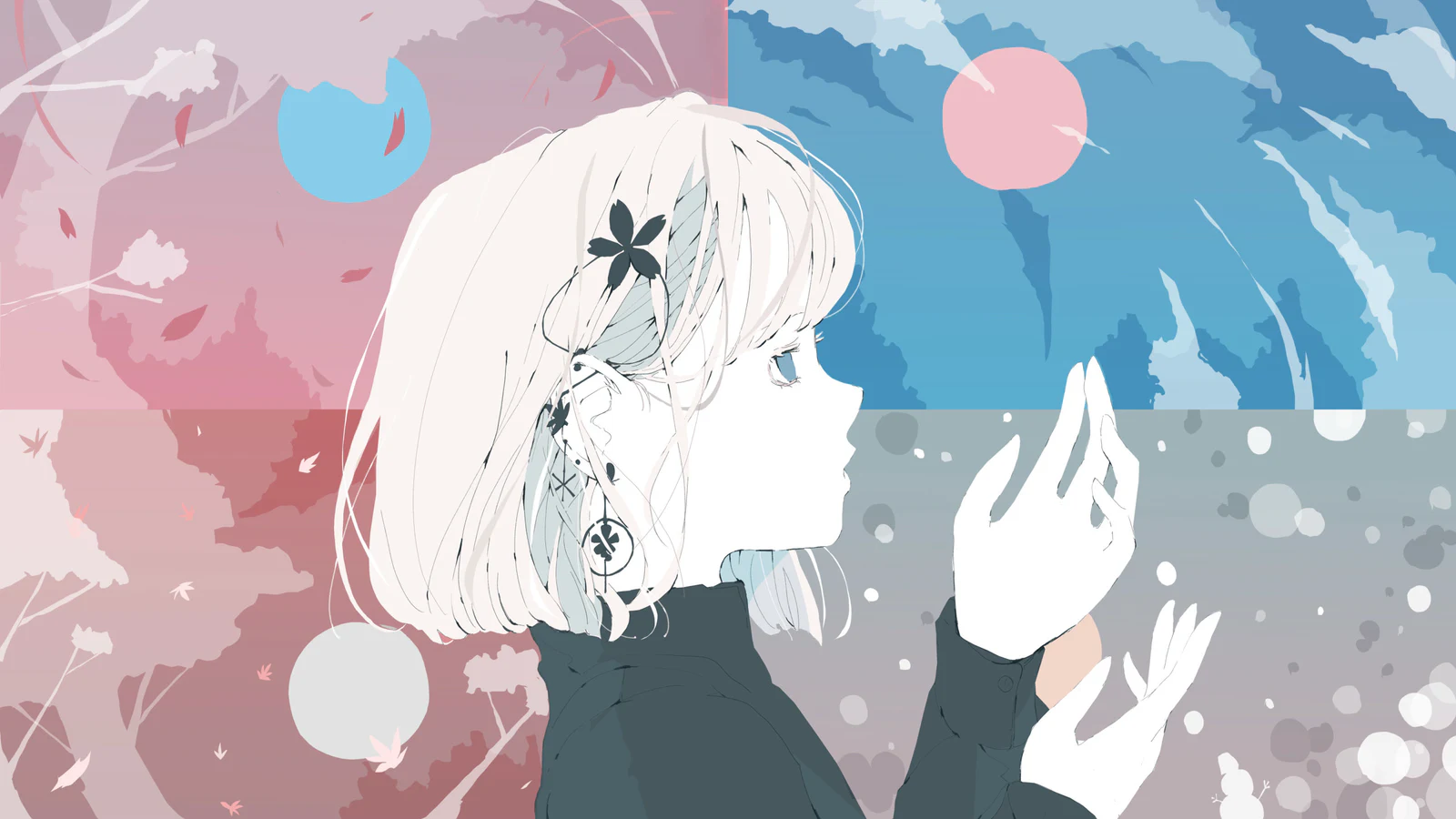
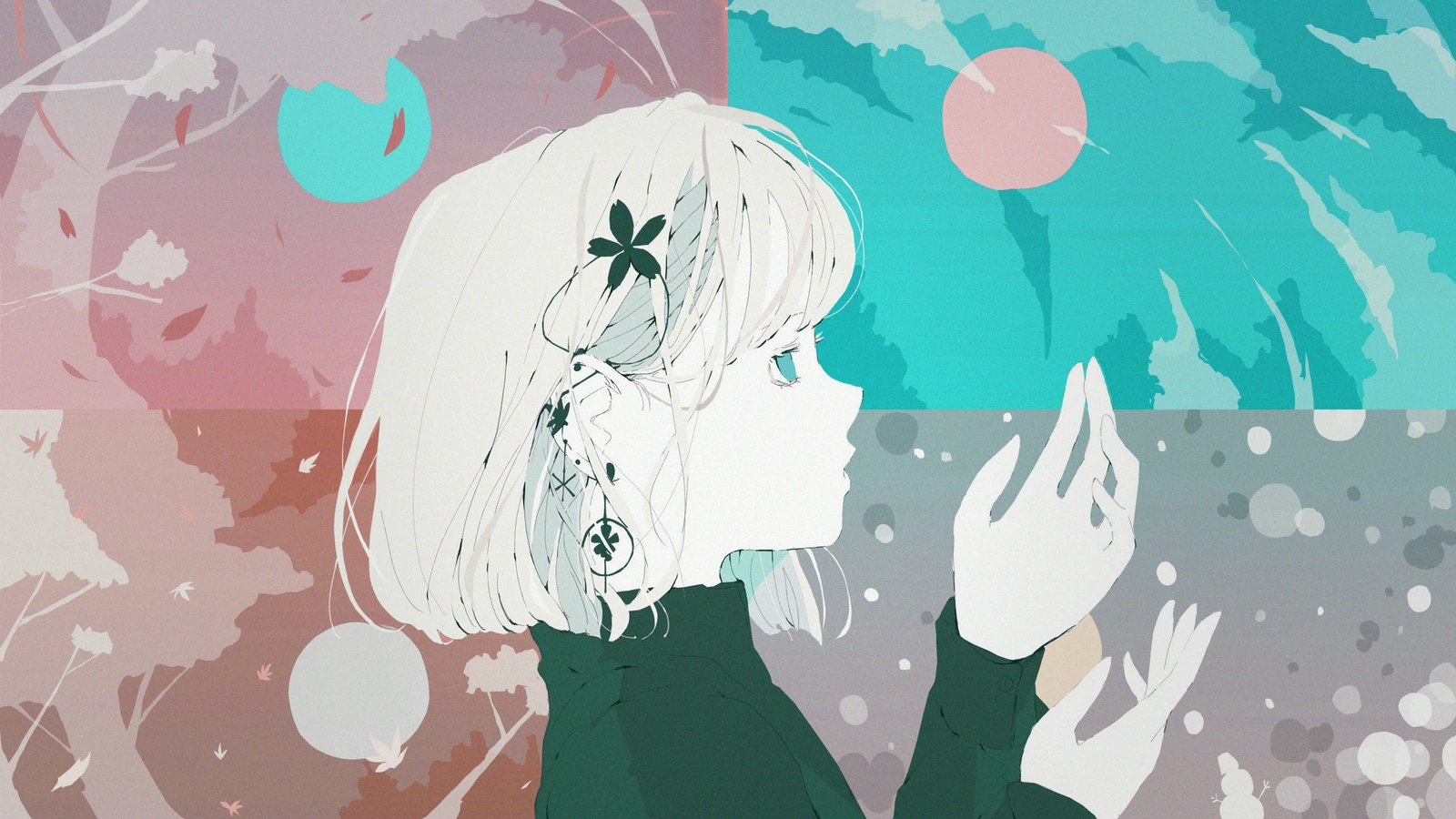
PRESET: Cool Grain Study / AE 2026 REAL RENDER / 2560 × 1440
Four Seasons Illustration — Illustration / No Copyright Girl

COLOR WORKFLOW FOR AFTER EFFECTS
ColorFlow is a native Windows plug-in that brings color grading and look development for After Effects 2026 into one Editor.
Launch price ¥3,000 (tax included, 7 days) / Regular ¥5,000 (tax included)
Available in Japanese and English
PRODUCT SUMMARY
Adjust everything from Primary Grade to light and shadow finishing in the same Editor while watching the After Effects composition.
VISUAL PROOF
Each Before and After uses the same source frame and was rendered directly from After Effects 2026.
Cool Grain Study
PRESET: Cool Grain Study / AE 2026 REAL RENDER / 2560 × 1440
Four Seasons Illustration — Illustration / No Copyright Girl
ちょっと暖色 (A Touch of Warmth)
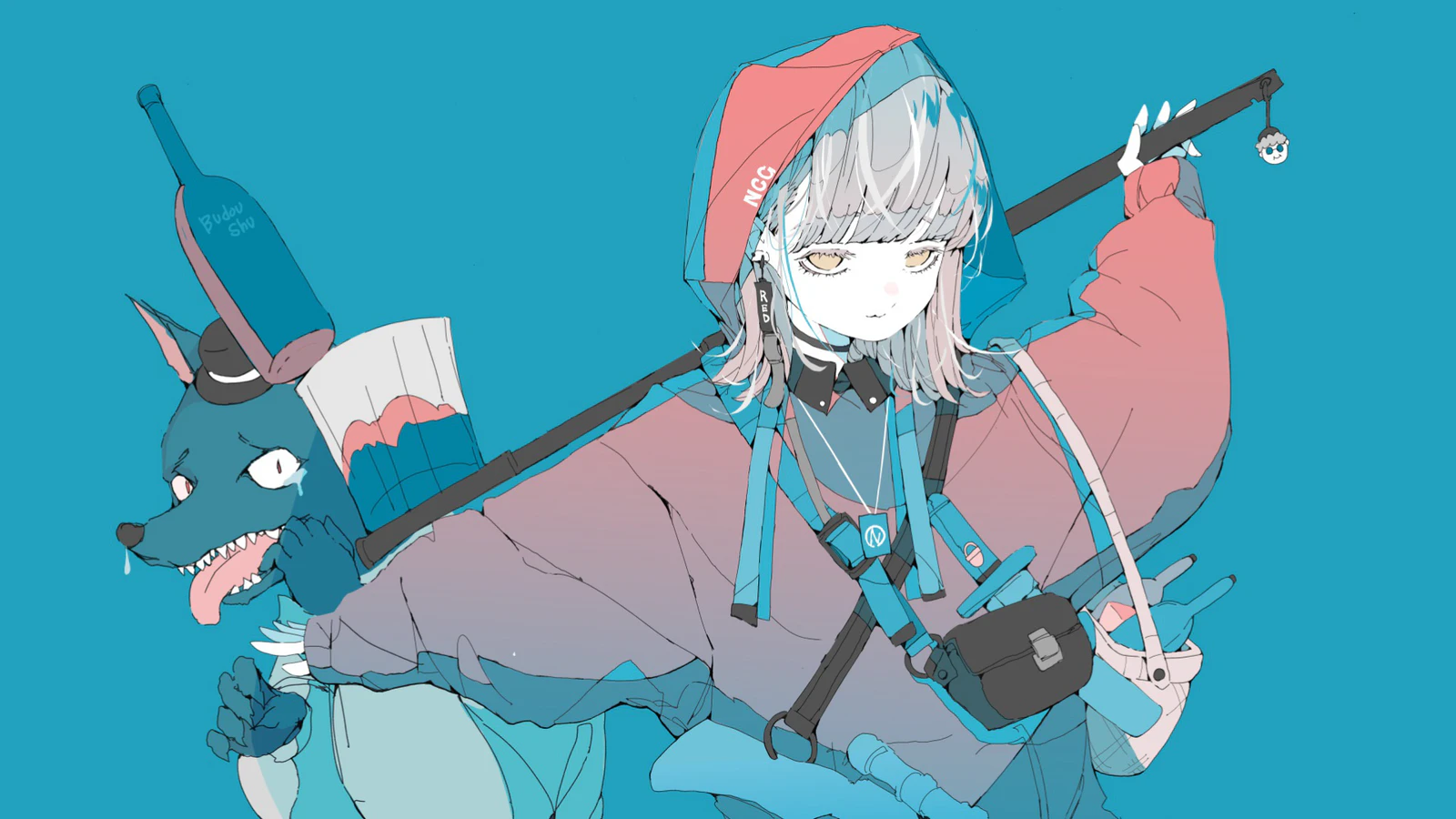
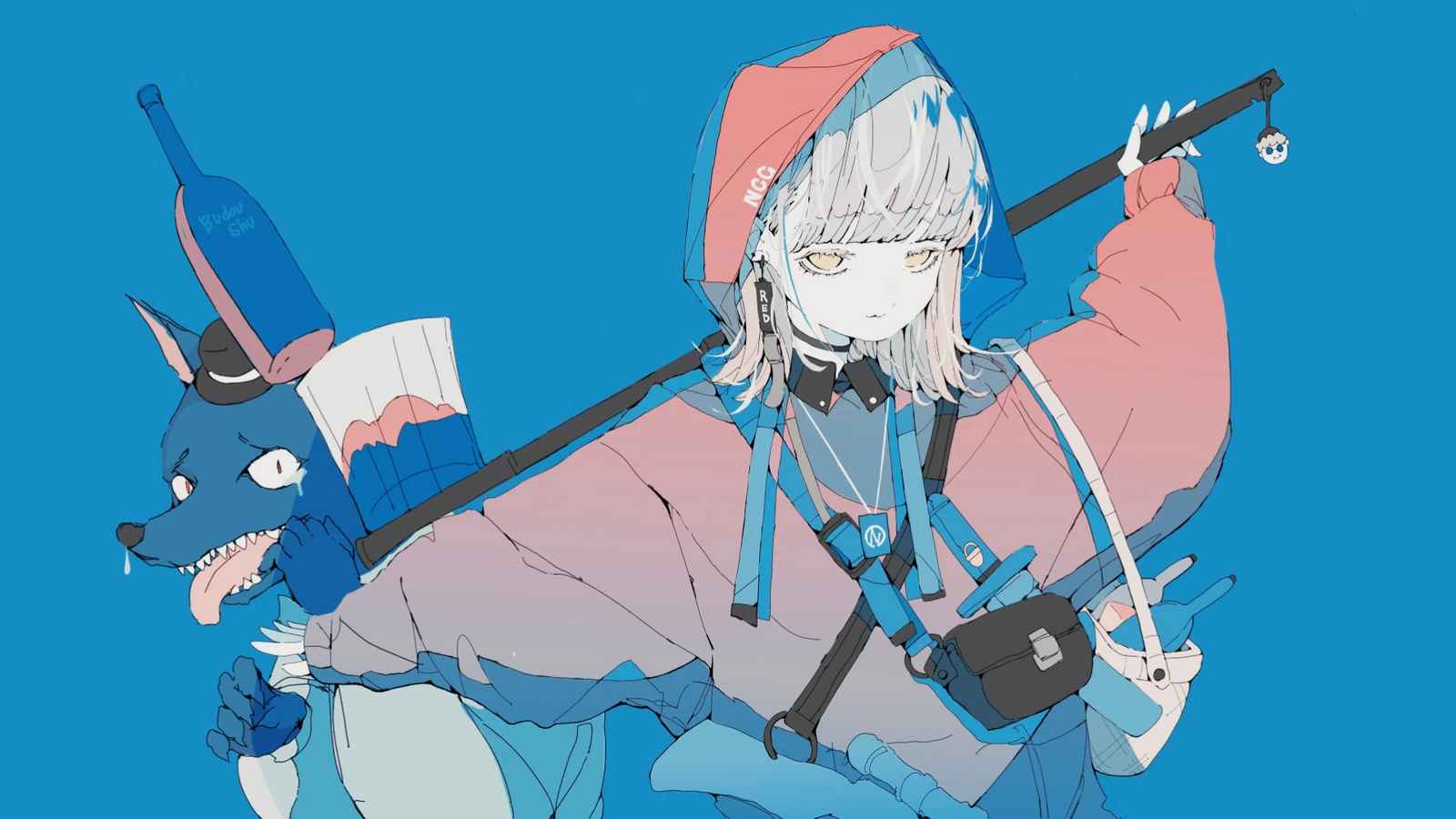
PRESET: ちょっと暖色 (A Touch of Warmth) / AE 2026 REAL RENDER / 1920 × 1080
Little Red Riding Hood in a World Without Hunters — Illustration / No Copyright Girl
LIVE IN AFTER EFFECTS
Keep the composition playing while adjusting values across every ColorFlow module. This real After Effects 2026 capture shows Tone Curve being edited directly. Split the composition view to compare Before and After at the same time, then refine everything from Primary Grade through light and shadow finishing without stopping playback or switching apps.
ACTUAL AE 2026 CAPTURE / 16 SEC / NO MOCK UI
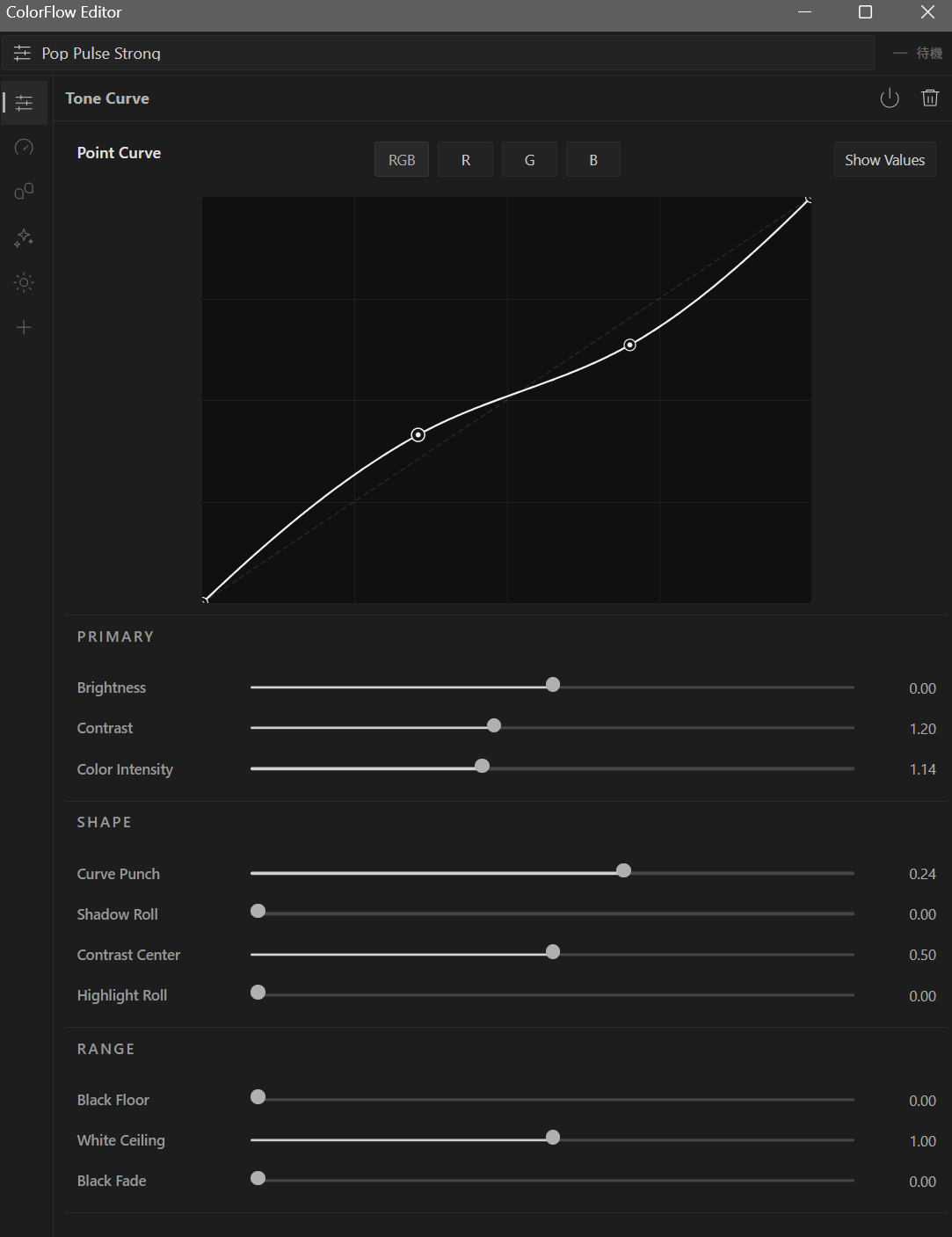
ACTUAL EDITOR
Pop Pulse Strong is open in the real ColorFlow Editor. Tone Curve, Brightness, Contrast, and Color Intensity remain editable after the preset is applied.
WORKFLOW
Return to any module and refine the look without being locked to the starting preset.
Pick a starting point close to the intended result and spend less time searching from zero.
Layer only the adjustments you need and shape color, tone, and texture in one Editor.
Keep the look editable while checking it against the full composition.
MODULES
Build the look from a foundation grade through light and shadow texture inside the Editor.
01
Balance the entire image as one foundation grade across color and tone.
Global / Shadow / Midtone / Highlight
02
Combine point curves and tone controls to shape luminance and color response.
Point Curve / Tone Controls
03
Target a color range and refine hue, saturation, and brightness without damaging its surroundings.
Pick Target Color → Set Range → Shape The Look
04
Design highlight spread and warm edge response independently.
Glow Color / Source Color / Halo Color / React Color
05
Layer packed shadow assets to guide depth and visual flow.
Selection / Opacity / Scale / Offset
PRESETS
Presets establish a look direction quickly. After applying one, open any module and adapt it to the shot or scene.
SELECT → REFINE → FINISH
COMPATIBILITY
GPU processing and clean-idle load are continuously optimized so adjustments do not interrupt the work.
SUPPORT
Installation, activation, PC migration, and updates are documented on the same site.